1. Start with active clients
Move the clients you expect to see soon first. Avoid spending hours digitizing inactive cards before the app is part of your daily workflow.
Paper client formula cards
Start with your active clients, copy the most recent formulas, attach useful photos, and keep the old cards until your digital record is complete.
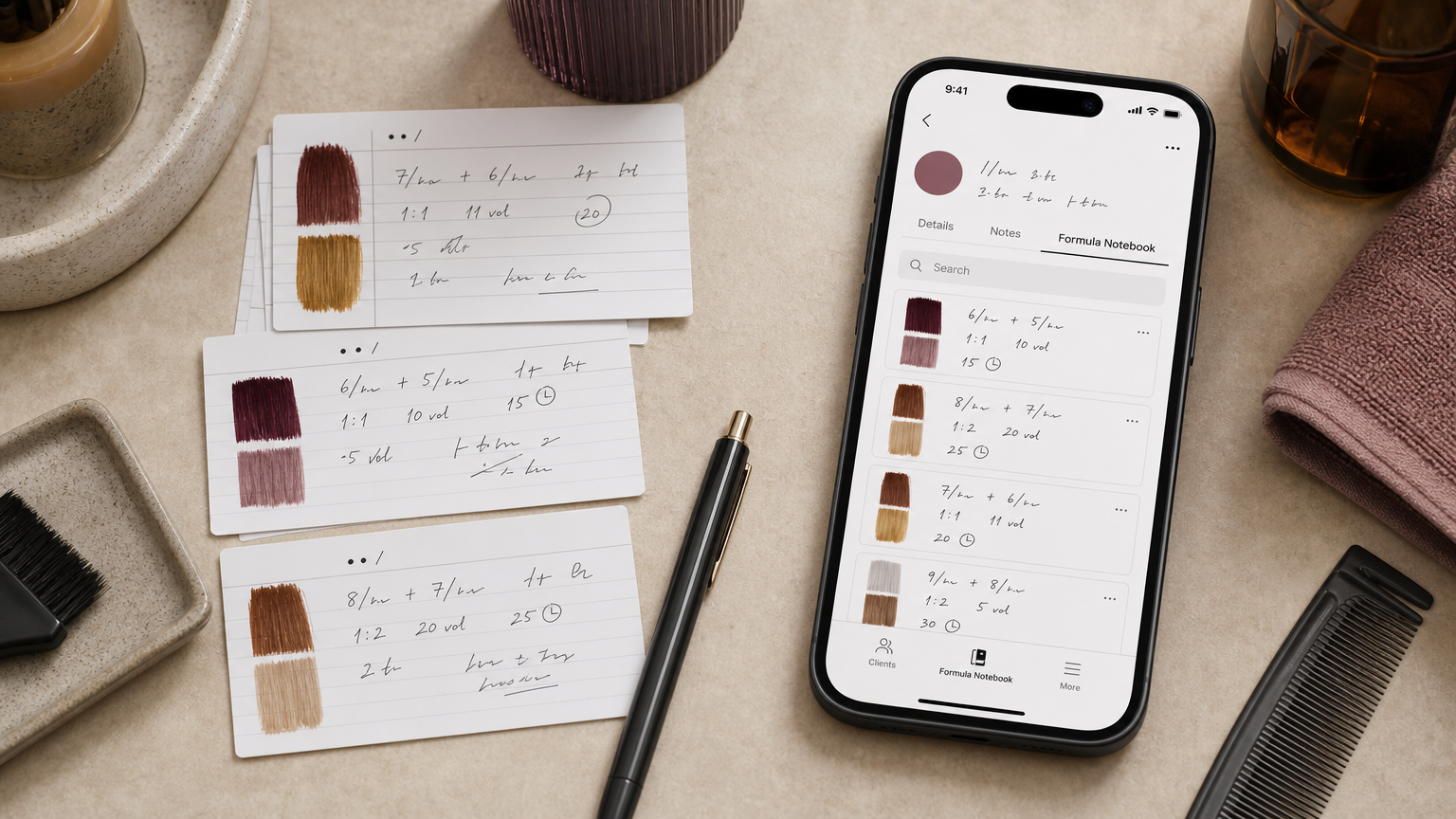
Move the clients you expect to see soon first. Avoid spending hours digitizing inactive cards before the app is part of your daily workflow.
Save the most recent service, formula lines, notes, and next-time adjustments. Older visits can be added later when they matter.
Attach photos that help you recognize tone, placement, or correction history. Skip anything that does not improve the next appointment.
Use export and ZIP backup workflows to keep a portable copy of the records you have moved.